Google Chrome blocks pop-ups from all websites by default. This is the recommended practice. However, if for some reason you want to disable this popup blocker, you can do that too. Disabling Pop-up Blocker for a Specific Website Before disabling the pop-up blocker for all websites, let me show you how to add exceptions for…
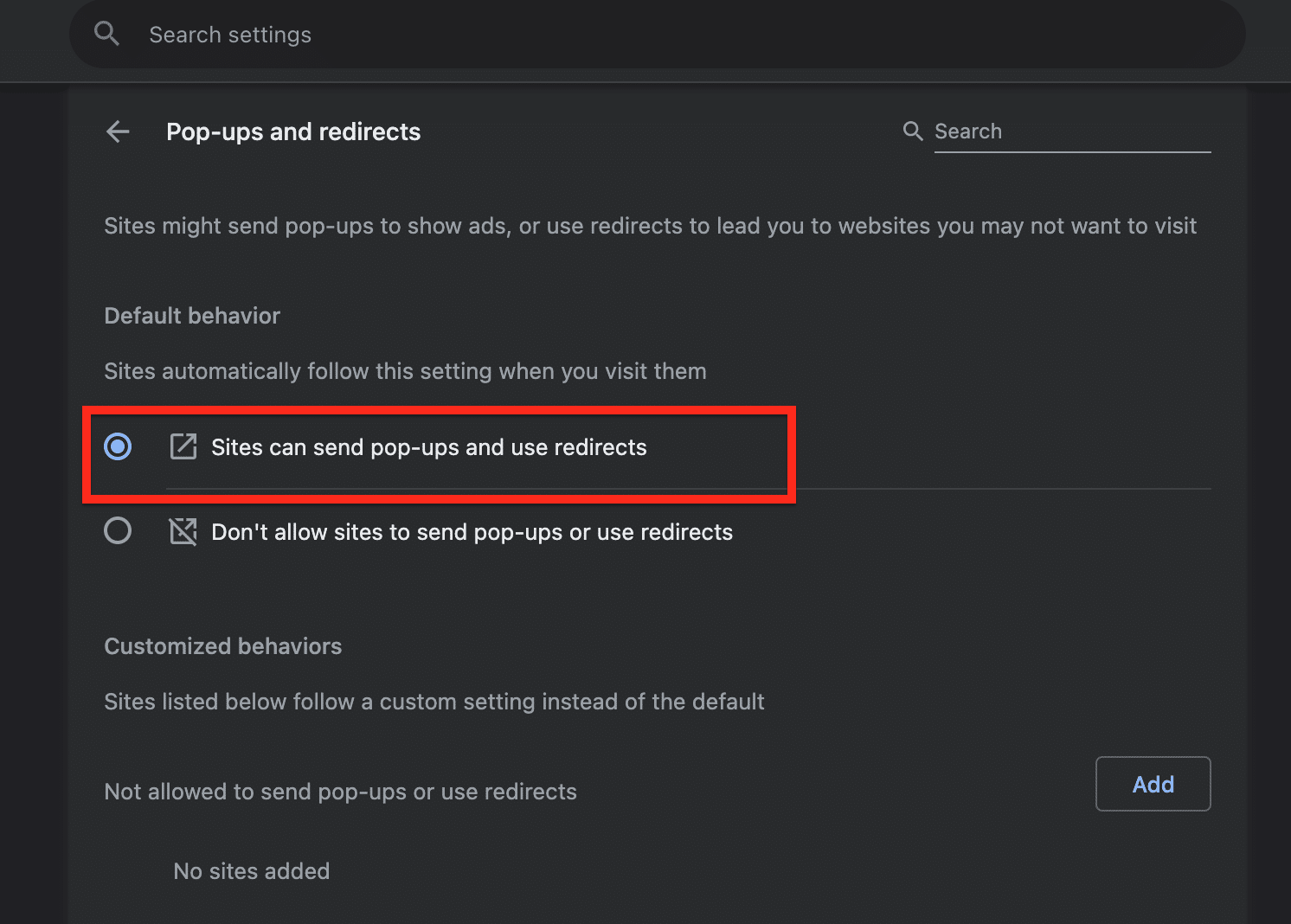
Google Chrome blocks pop-ups from all websites by default. This is the recommended practice. However, if for some reason you want to disable this popup blocker, you can do that too.
Disabling Pop-up Blocker for a Specific Website
Before disabling the pop-up blocker for all websites, let me show you how to add exceptions for certain websites. Continue to the next section where I show you disabling pop-up blockers for all websites, only if this does not meet your needs.
To block pop-ups from a single website:
Dinsan Francis is the founder of Chrome Story, which he started in 2009 — the same year Google launched Chrome. He has covered the Chrome browser and Chromebook ecosystem for over 15 years and has used Chromebooks as his primary computing device since 2010. He’s always on the bleeding edge, running the Canary build of both Chrome and ChromeOS as daily drivers.



Leave a Reply